I recently watched a YouTube video about a company called TRMNL that sells always-on e-ink displays. These e-ink displays are intended to be used as dashboards for whatever info you want to show on them.
The cool thing about TRMNL is that a lot of their software stack is open-source, self-hostable, and compatible with various third-party devices (e.g. Kindles) or any device that can open a webpage.
I had an old iPad 3 collecting dust in one of my drawers, and I thought it would be fun to set this up in my homelab. The setup was pretty straightforward. I haven’t invested a lot of time into creating many info screens yet, but even with the limited few I have right now, I’m happy with how it works.
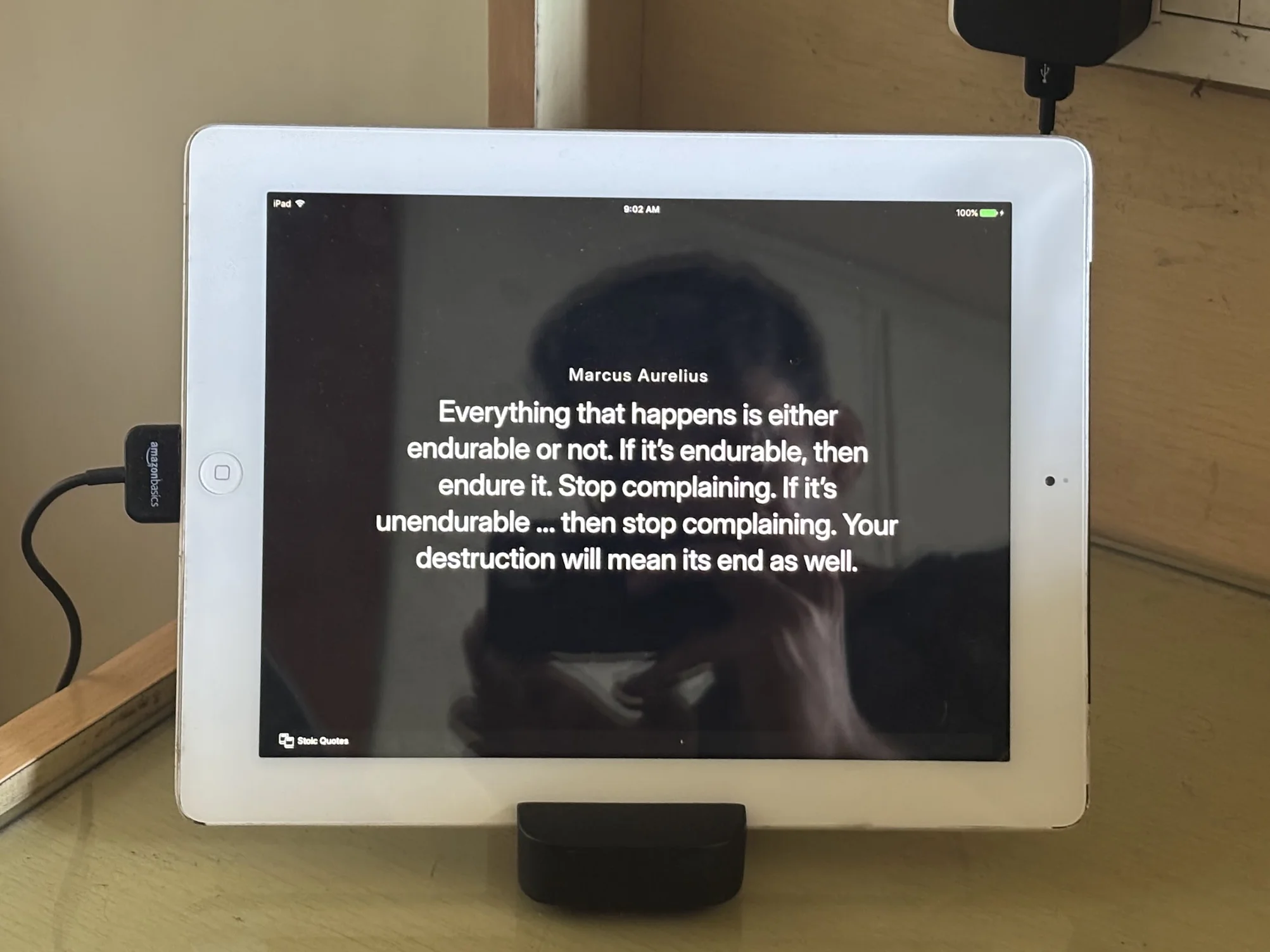
As I understand it, the the TRMNL software architecture is pretty simple. The server periodically collects data from various sources (e.g. by polling an endpoint or via webhooks), renders it into a webpage using templates, and takes a screenshot of that page for your device. Your device that runs the client - e.g. for my iPad, it’s simply Safari with a webpage open - polls the server at fixed intervals, fetches the latest screenshots, and displays them on the screen.
I think it should be fairly easy to vibe-code something like this for your specific use-case, perhaps with an even simpler setup (e.g. skip the image generation, just have your device open a page that keeps updating regularly). I still like this setup though and will continue to use it.
The Setup
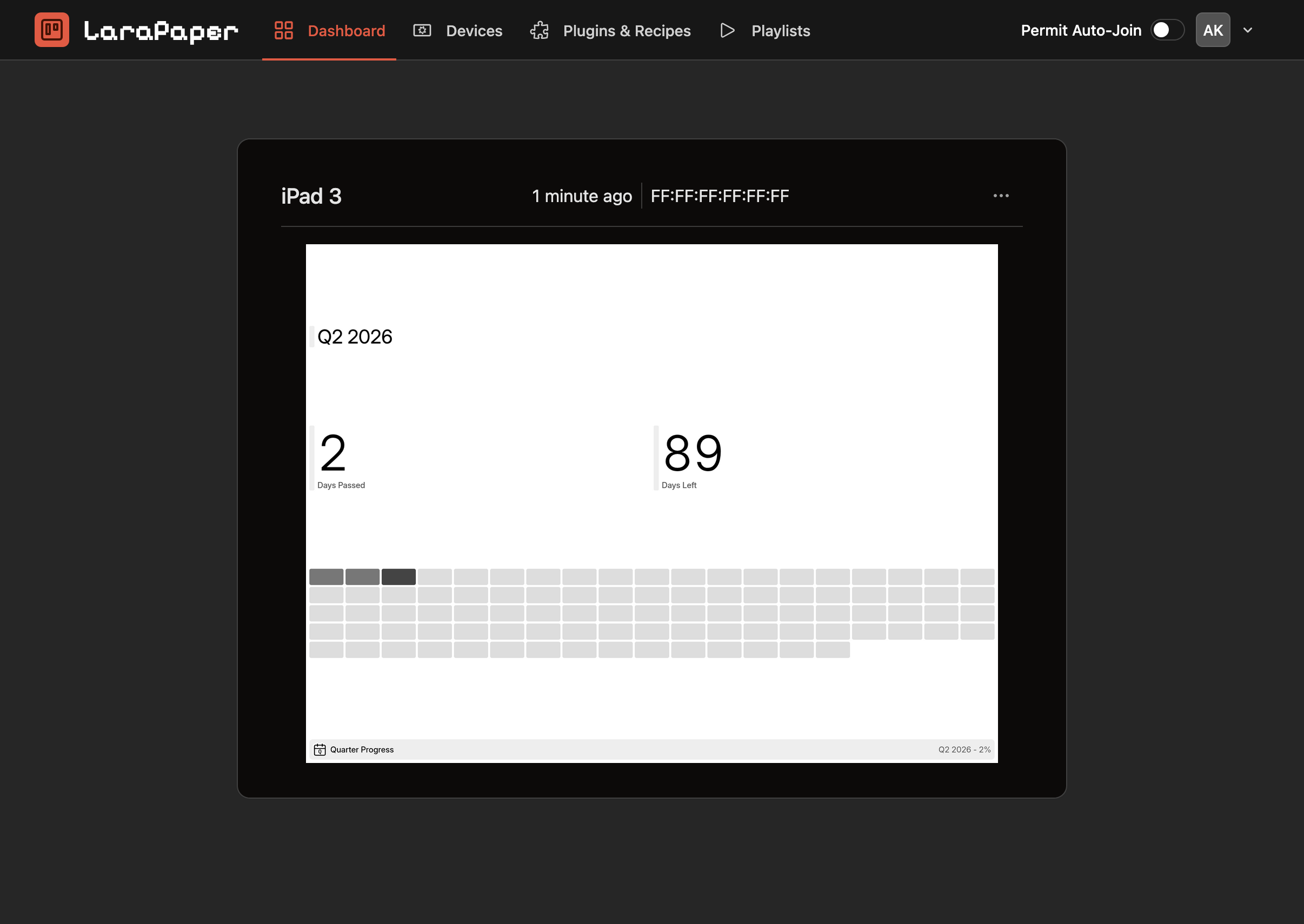
I ended up using LaraPaper for the server. It has a pretty minimal UI, is easy to setup with a single Docker image, and supports recipes from official and community catalogs out of the box.
Docker Compose
I added the following YAML to my homelab Docker Compose file:
volumes:
  trmnl_database:
  trmnl_storage:

services:
  trmnl:
    image: ghcr.io/usetrmnl/larapaper:0.31.3
    container_name: trmnl
    restart: unless-stopped
    networks:
      - homelab
    environment:
        # Generate the APP_KEY with `echo "base64:$(openssl rand -base64 32)"`
        - APP_KEY=base64:TmV2ZXIgZ29ubmEgZ2l2ZSB5b3UgdXA=
        - APP_URL=https://trmnl.example.com
        - FORCE_HTTPS=true
        - PHP_OPCACHE_ENABLE=1
        - TRMNL_PROXY_REFRESH_MINUTES=15
        - DB_DATABASE=database/storage/database.sqlite
    volumes:
        - trmnl_database:/var/www/html/database/storage
        - trmnl_storage:/var/www/html/storage/app/public/images/generated
nginx
And the following server block to my nginx config:
server {
  listen 443 ssl;
  server_name trmnl.example.com;
  set $trmnl trmnl;
  location / {
    proxy_pass http://$trmnl:8080;
    proxy_http_version 1.1;
    proxy_set_header Upgrade $http_upgrade;
    proxy_set_header Connection "upgrade";
    proxy_set_header Host $host;
    proxy_set_header X-Real-IP $remote_addr;
    proxy_set_header X-Forwarded-For $proxy_add_x_forwarded_for;
    proxy_set_header X-Forwarded-Proto $scheme;
    proxy_set_header X-Forwarded-Protocol $scheme;
    proxy_set_header X-Forwarded-Host $http_host;
  }
}
Custom Device Model
After bringing up my new service and restarting nginx with the new config, I visited the LaraPaper dashboard and registered an account. To have the server render images in the dimensions of my iPad’s screen, I had to first add a custom Device Model.
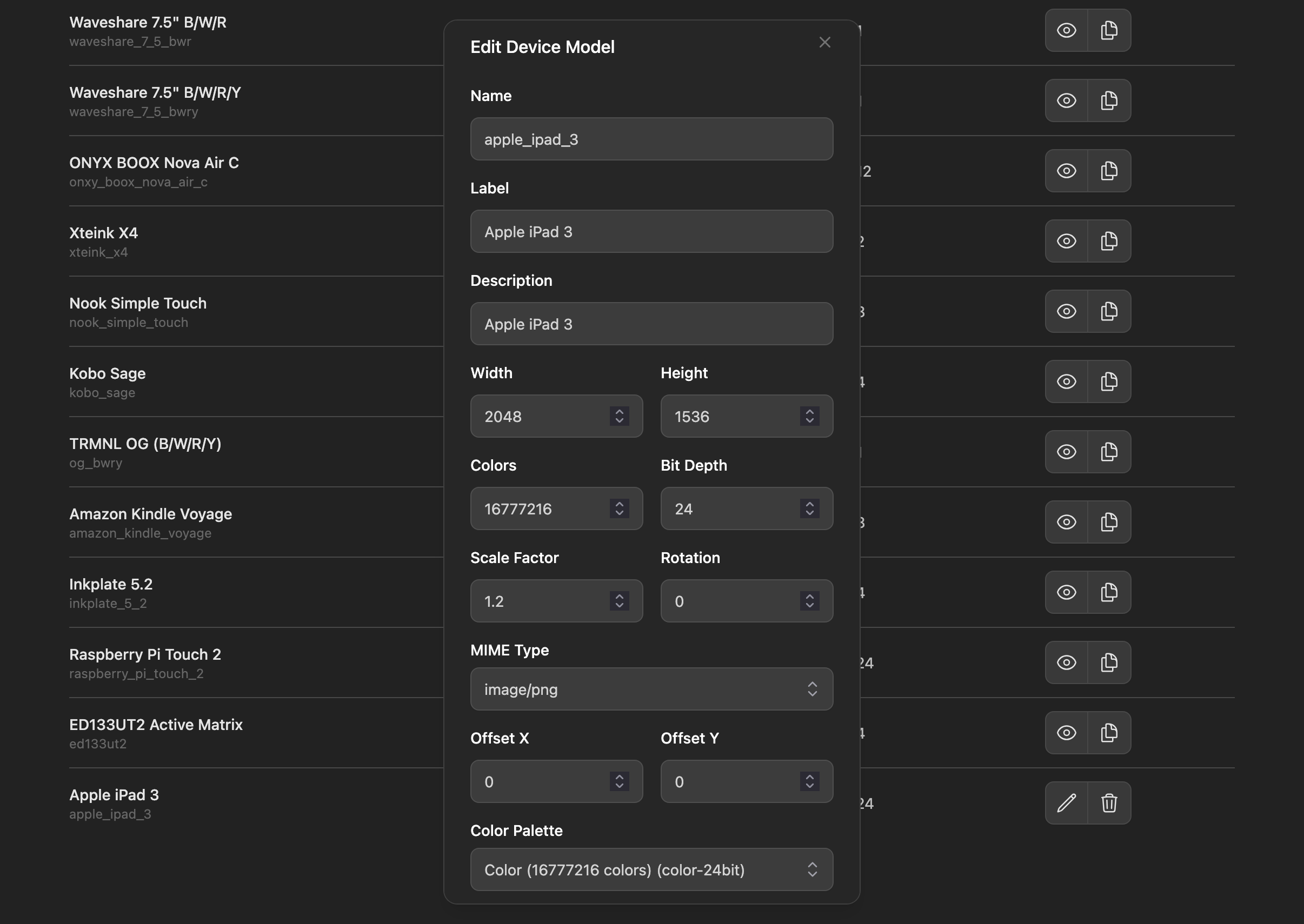
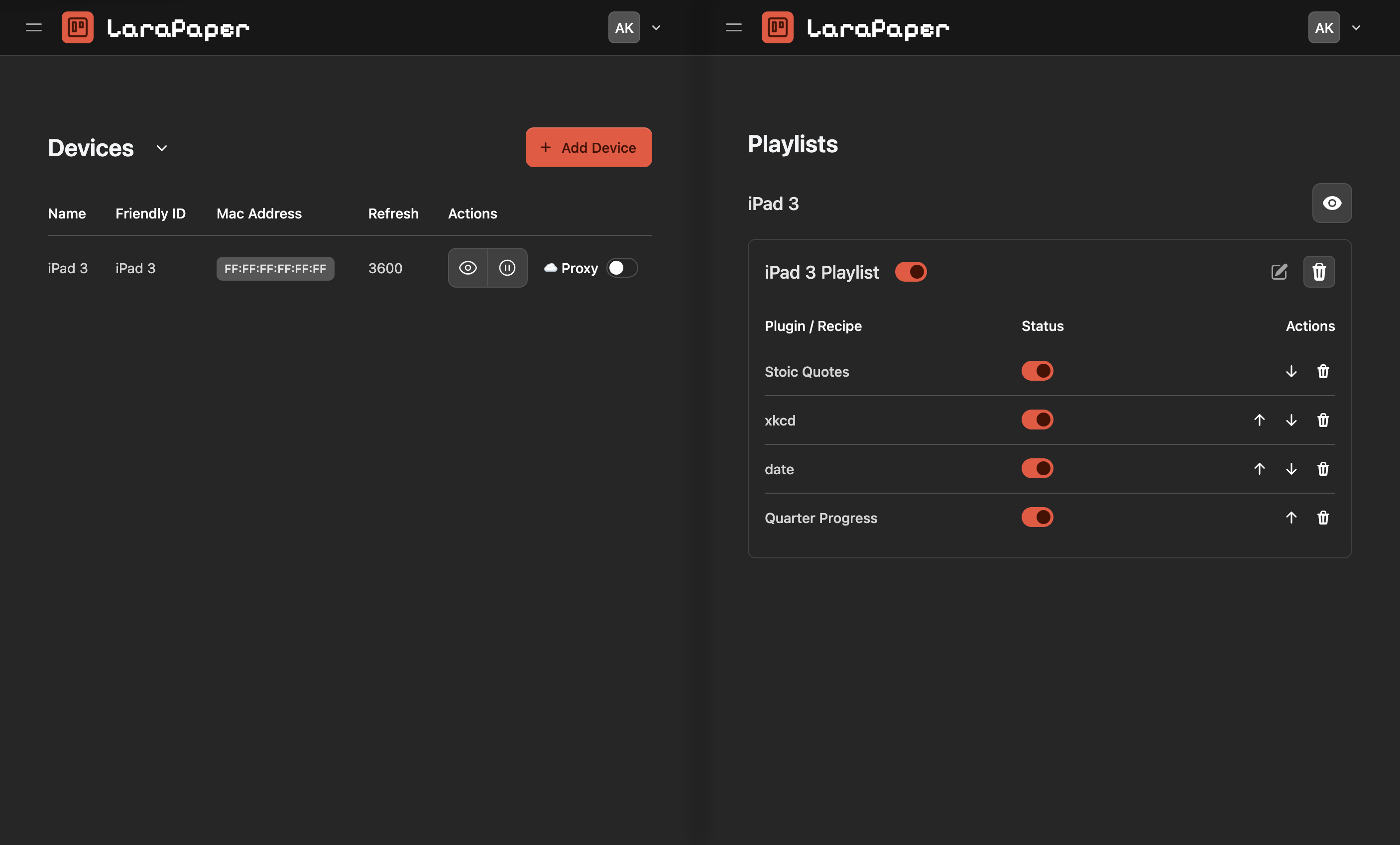
After configuring the Device Model, I added a new Device with a random MAC address and API key, and created a Playlist for the Device.
iPad
On my iPad, I simply opened the /mirror page on my hosted LaraPaper instance URL, and added a website shortcut to my homescreen for a full screen view.
I could also open this page in my browser to inspect any recipes that I wanted to try.
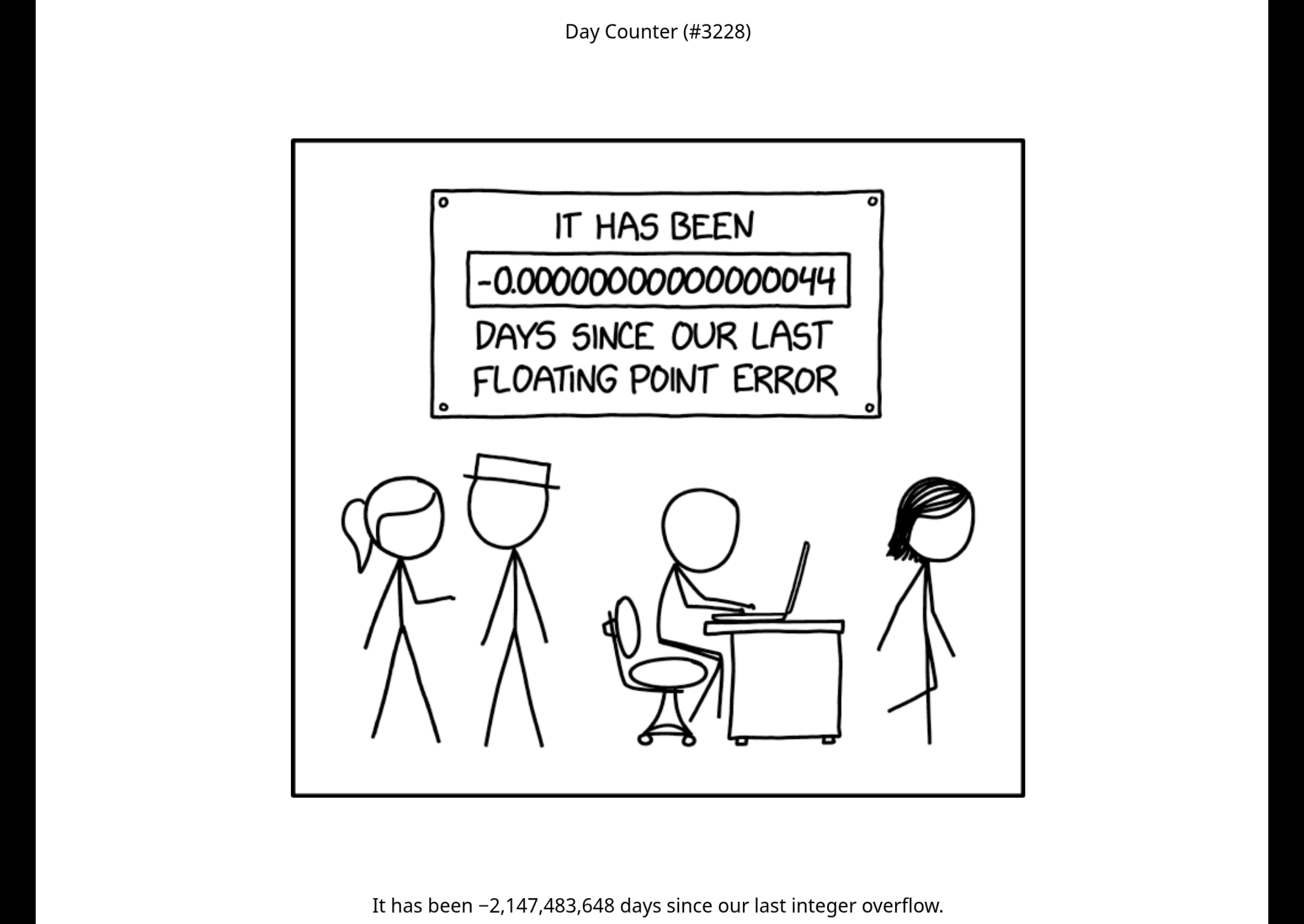
/mirror page, showing an xkcd comic.Recipes
One thing I like about LaraPaper is how you can immediately edit any recipe you select from a catalog to your liking once they are imported. There were a few recipes I liked (e.g. one that fetches the latest xkcd comic, or another that displays stoic quotes), but not all of them looked great on my iPad screen out of the box. This is presumably because of its bigger dimensions as compared to the standard TRMNL displays.
However, with LLMs, it’s pretty easy to edit these recipe templates to your liking. Just copy the template code into an LLM chat and prompt it to modify the template as per your desires. It’s not perfect but you can get what you want after a few iterations.
What’s Next?
I only have a limited number of info screens set up at the moment, but with the flexibility provided by LaraPaper, I can think of a few ideas:
- Fetch data from the Garmin or Strava API and display an activity calendar
- Show my GitHub contribution graph (this isn’t something I optimize for, I think it’s just cool to see)
- Display excerpts of any new posts from my RSS subscriptions
- Track my portfolio’s performance using Zerodha’s API
- Show me the weather or AQI of the area around me
- View when the next Anime episode I want to watch is going to air
When I get a chance, I’d also like to experiment with showing coloured panels on the iPad.
That’s all for now. I’d love to know about your TRMNL too, if you decide to set one up yourself. Please write to me with any ideas, comments, or suggestions at the email on my homepage.